- Ergonomic
- Home Working
- Chairs
- Keyboards
- Laptop/Tablet Stands
- Mices/Trackpads
- Standing Desks
- Article
How to Set Up an Ergonomic Workstation for a Remote Worker
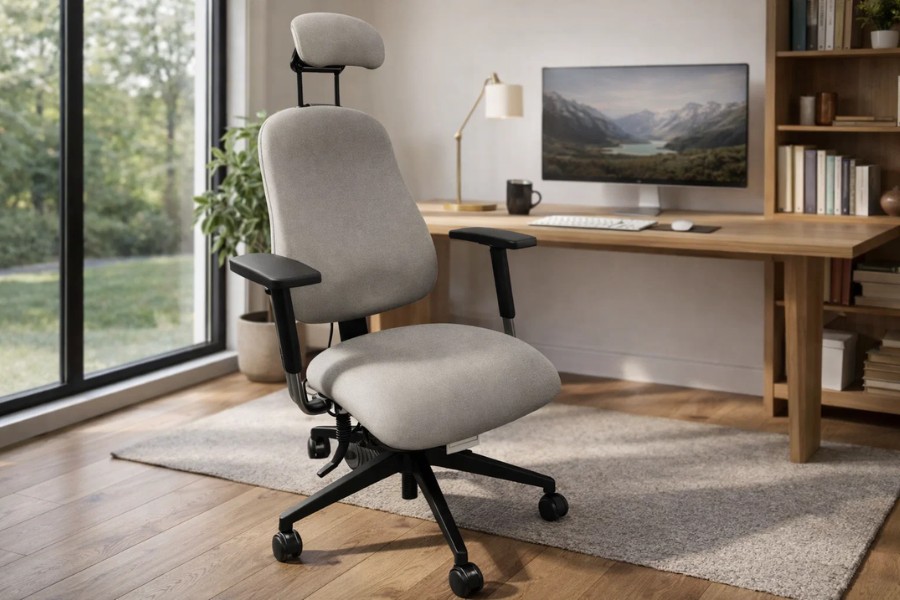
Working from home should not mean working through discomfort. Creating a proper ergonomic desk set up comes down to getting your height and distance measurements right. You can adjust both of these elements today to improve your daily comfort and productivity. This guide walks you through achieving the ideal ergonomic desk set up in six clear steps.
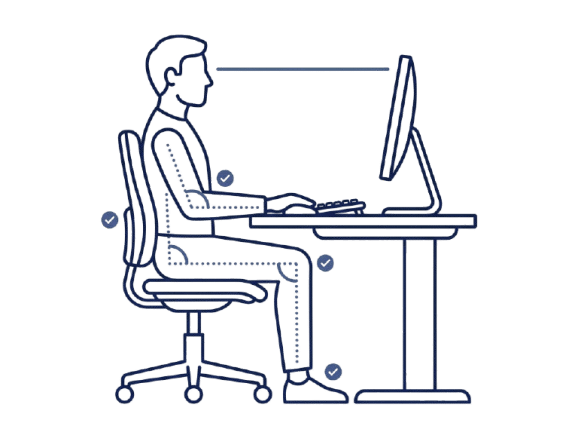
From adjusting your chair to managing your screen height, we provide exact measurements to check your current desk ergonomic set up against. Use this information to see where your ergonomic workstation set up needs more than a minor tweak. The ergonomic desk set up diagram below shows the precise physical position you should aim to achieve.
Identify the Source of Discomfort
Spend one working day noticing where you feel aches at 11 am and again at 3 pm. The location of your discomfort usually points directly to the necessary fix.
- Neck or shoulder pain often indicates issues with screen and desk height.
- Lower back or hip pain usually relates to chair height and lumbar support.
- Wrist or hand pain usually points to incorrect keyboard and mouse positioning.
- Tired eyes or headaches point to poor lighting and screen distance.
The right setup depends entirely on you, your daily tasks and your available room space. Small adjustments to your current environment often make a bigger difference than generic furniture bought at random. If the pain persists after these changes, talk to your GP.
Six Steps to the Ideal Setup
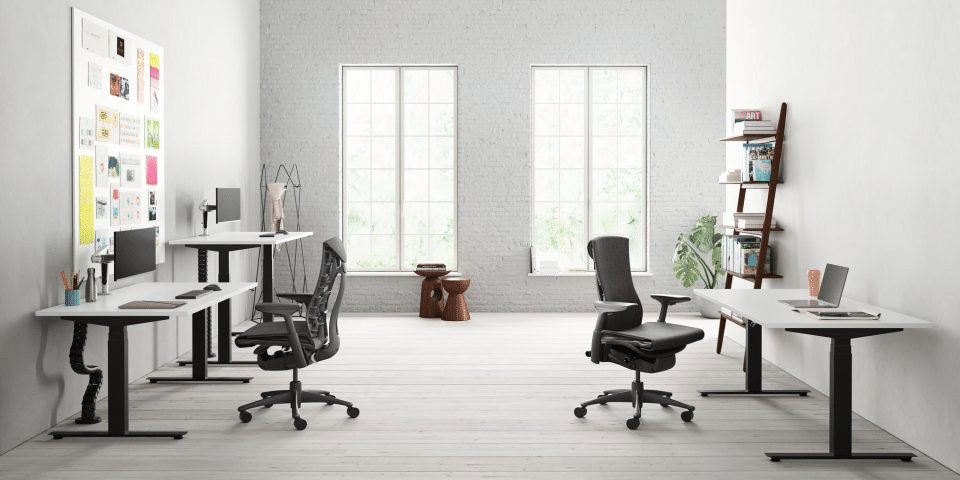
Work through this list in order. Each change shifts your posture, which affects the next adjustment. Raising your seat lifts your elbows, which ultimately changes the desk and screen height you need.
1. Set Your Chair Height First
Rest your feet flat on the floor, with your thighs roughly parallel to the ground. Leave 5 to 10 cm of space between the seat edge and the back of your knees. The backrest needs to fill the natural curve of your lower back. A rolled towel works well until you secure proper lumbar support. Add a solid footrest if your feet do not comfortably reach the floor.
2. Bring the Desk to Elbow Height
Bend your elbows to about 90 degrees, with your forearms resting level with the desk surface. For most adults, this means a desk height of 70 to 80 cm. If the desk is too high, raise your chair and add a footrest. If it’s too low, place sturdy blocks under the legs. A sit-to-stand desk adjusts easily to your exact proportions, with a standard standing height usually between 105 and 115 cm.
3. Raise the Screen to Eye Height
Place the top of your screen exactly at or just slightly below eye level. Position the monitor 50 to 70cm away from your face, which is roughly an arm’s length. A laptop cannot meet these numbers on its own because raising the screen naturally raises the keyboard. Use a dedicated laptop stand alongside a separate keyboard and mouse. A monitor arm lets you fine-tune the height and frees up valuable desk space.
4. Position Your Keyboard and Mouse
Keep your elbows close to your sides and keep your wrists straight. Place the keyboard directly in front of you and position the mouse right beside it so you never have to reach. A compact keyboard brings the mouse much closer to your natural resting hand position. If your wrist aches frequently, a vertical mouse changes the resting angle of your hand to a more natural handshake position.
5. Sort the Lighting
Set your screen at a right angle to the nearest window. A window directly in front of or behind your screen causes severe glare and screen reflections. Add a desk lamp with adjustable brightness settings to help your eyes on darker days. Proper lighting prevents you from leaning forward to read text, which protects your neck posture.
6. Build Movement into the Day
Change your physical position at least every single hour. UK regulations set no fixed break length for screen use, but short and frequent breaks beat a few long ones. Every 20 minutes, look at an object about 6 metres away for exactly 20 seconds. If you use a sit-to-stand desk, alternate positions regularly because standing all day brings entirely different aches to the body.
Why Professional Workstation Assessments Matter
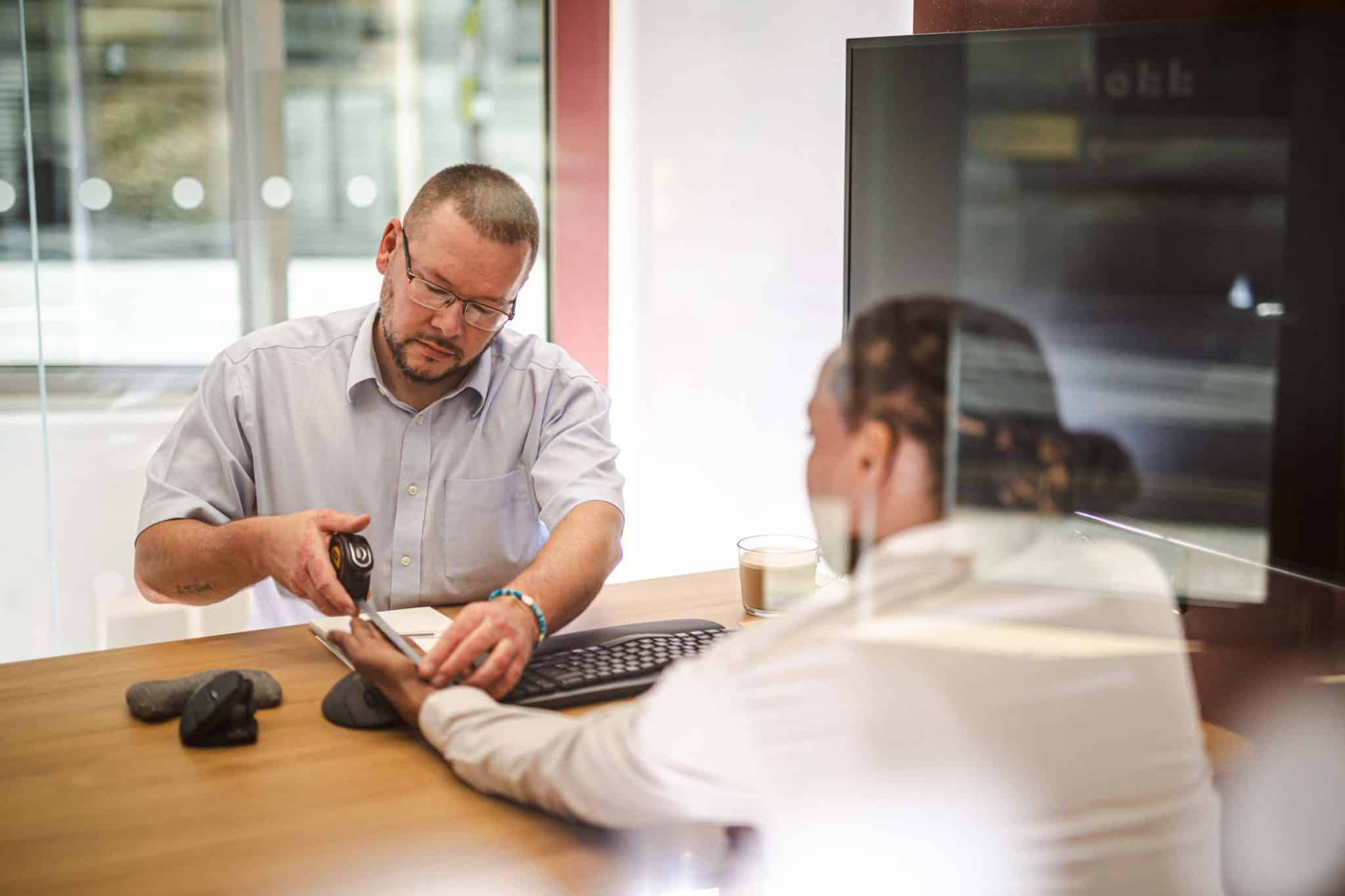
You can get the basics right without professional help. A dedicated assessment becomes highly valuable when pain continues, your job tasks are highly specific, or your home office space is awkward. A Remtek assessor looks closely at your body, your daily tasks, and your room layout before recommending the right equipment. This removes all the guesswork.
We have 40+ years of experience providing ergonomic and assistive technology solutions. Remtek has completed thousands of comprehensive assessments, and you do not need a diagnosed medical condition to book one. These take place online by video, face-to-face, or as a self-assessment at your own pace.
Employer Responsibilities for Remote Teams
Employers carry the same health and safety duties for home workers as they do for traditional office staff. The Health and Safety Executive continues to enforce these standards, noting that a huge portion of workers in Great Britain now work remotely or in a hybrid pattern. Employers must assess the home workstation of anyone who uses a screen daily for continuous periods of an hour or more. They must also train staff to set up their space properly and review the initial assessment when an employee changes role, equipment or room. A trained assessor easily spots hidden problems that a basic self-check misses.
Book Your Workstation Assessment
Small adjustments can make a big difference to how your team feels and performs. Book a home workstation assessment with Remtek for clear recommendations built specifically around your body, tasks and workspace. If you already know what you need, book an equipment consultation to choose the exact right chair, desk, screen support or keyboard. Employers can easily arrange thorough assessments for an entire remote team.
Contact Remtek Workplace today to create a more comfortable, productive work environment.
Frequently Asked Questions
What is the correct height for a desk and chair when working from home?
Both depend on your unique body proportions, so no single number suits everyone. Set the chair so your feet rest flat and your thighs sit roughly level, then match the desk height directly to your elbows. A Seated desk usually works well at 70 to 80cm. Taller people often require a higher desk, and shorter people frequently need a footrest to achieve the right angles.
Do employers have to provide ergonomic equipment for remote workers?
If a formal assessment shows a worker requires specific equipment to work safely, such as a laptop stand, separate keyboard, ergonomic mouse or adjustable chair, the employer must provide it. The business cannot charge the remote worker for these necessary health and safety items. Employers do not have to furnish a complete home office with luxury furniture, but they must meet basic physical health requirements.