Talktype
Talktype: Highly accurate, lightning-fast dictation software.
Price range: £240.00 through £900.00 ex. VAT Price range: £288.00 through £1,080.00 inc. VAT
Additional Information
TalkType is dictation software for Mac, Windows, Chromebooks, and mobile that quickly turns speech into text.
It is easy to use, making it perfect for reducing stress, boosting productivity, and helping people who are disabled or neurodivergent feel more confident at work.
Browser Requirements
- Internet speed: Download 2MB, Upload 4MB
- Browser: Google Chrome (recommended) or Microsoft Edge
Windows Requirements
- Windows 10 or Windows 11
- Hardware: CPU: Intel Core i5 or above
- AMD Ryzen 5 or above
- Memory/RAM: 8GB minimum, 16GB recommended
- 1GB free disk space
MacOS Requirements
- Operating system: MacOS Monterey (12), MacOS Ventura (13), or MacOS Sonoma (14)
- Hardware: Memory/RAM: 8GB
Mobile Requirements
- Apple: iOS 16 or iOS 17
- Android: Android 13 or Android 14
Highlights
- Simple & Accurate TalkType outperforms other speech-to-text providers with complex terminology, and its user-friendly design streamlines navigation for focused dictation
- No Voice Training Required TalkType offers accurate, fast dictation straight away, recognising various accents and speeds for natural use without extensive training
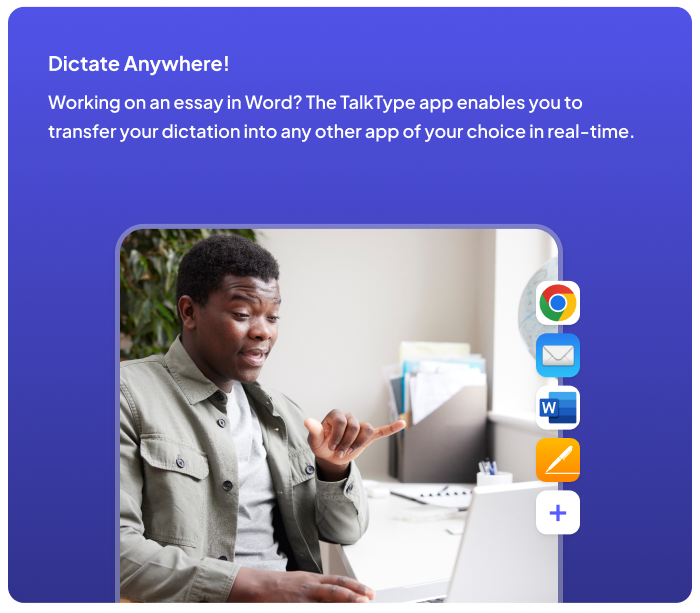
- Dictate Anywhere Users can dictate directly into TalkType or other apps (Microsoft 365, email, messaging) by placing the cursor in the relevant spot
Stress Reduction
TalkType alleviates the stress and anxiety of writing lengthy reports, emails, or other documents. By enabling users to dictate instead of typing, it helps reduce frustration and makes writing feel more manageable.
Freedom of Expression
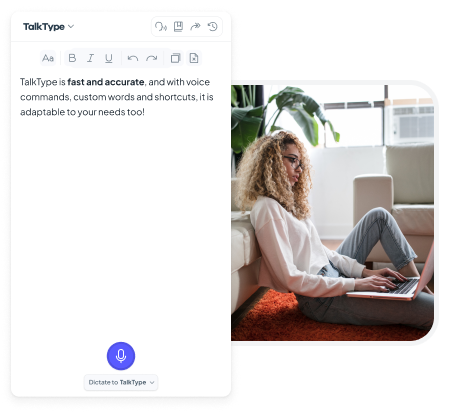
Dictation lets users write exactly what they want without the fear of difficult words or phrases. TalkType's Custom Words feature allows the addition of unique terms, and shortcuts save time with commonly used phrases.
Ease of Use
Renowned for its simplicity, TalkType requires less than 30 seconds to set up. Press the "Dictate" button, start talking, and you're ready to go, with minimal training required.
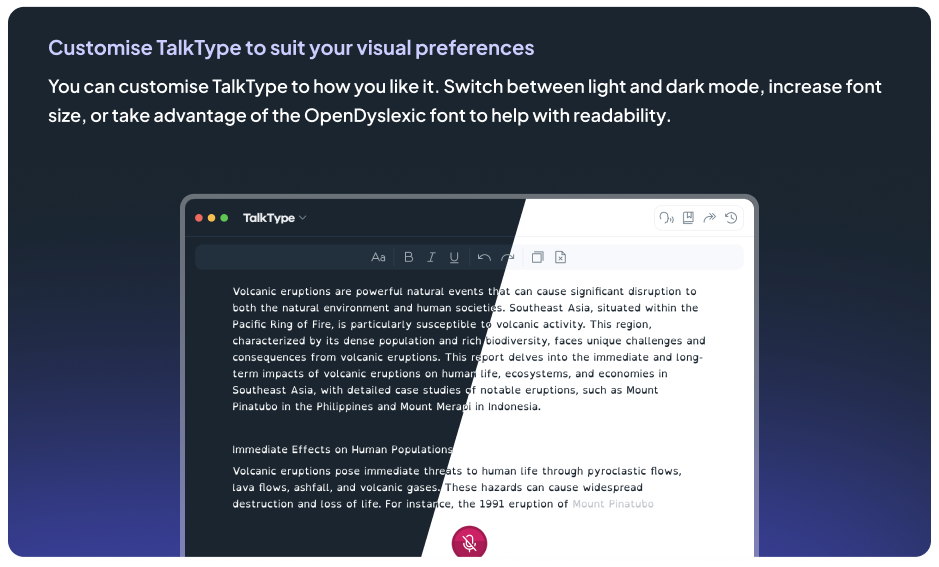
Cross-Platform Functionality
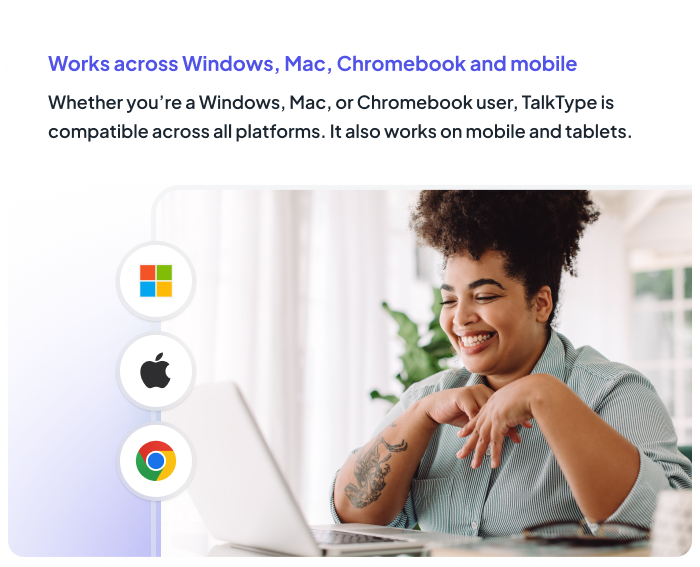
TalkType provides a consistent experience across Mac, Windows, Mobile, and Chromebook, ensuring users can dictate seamlessly on any device.

Customisation
TalkType allows users to add unique words and create shortcuts, tailoring the dictation experience to their specific needs and saving time on repetitive phrases.
Our happy customers
Just finished my last session with Hafsa Aiyub. She is amazing she was so understanding and kind. She explained everything perfectly and in a lovely manner which was helpful because i have ADHD. If i was unsure she would repeat it and ask if i understood it. She made me feel welcomed and comfortable She was always happy to answer any questions i had and we had some giggles throughout the sessions. I will miss her and the sessions. The service was very helpful and I've been using the software in between sessions and it actually helped me on my last assignment so much. Thank you so much Hafsa for helping me o my education journey
Donna at Remtek did both my assessment and set up. She made me feel at ease and I felt my needs were fully assessed and adhered to. At all times compassion and understanding of my disabilities and limitations were acknowledged. I felt in good hands. My ergonomic equipment will definitely assist my learning and ability to progress successfully. Thank you Remtek for your caring support.
As I'm someone who struggles to communicate and take in information, I found Ian to be friendly, patient and reassuring. He checked to make sure I was understanding the information that was being taught and explained things in easy and understandable ways therefore I tended not to have questions. I am very thankful for the help and training I have had with Ian. The training he has given has allowed me to write up my essays far easier than before I had the knowledge I now have regarding the programmes.
I have just had my last session of workplace coaching with John-Michael Farrar. I have found the sessions with John-Michael extremely useful, helping me put practices in place to make everything run so much more smoothly and less stress along the way. It has been really good to chat with John-MIchael over the sessions with someone who understands without any judgement and is always friendly and positive. I can't thank John-Michael enough, it has been life changing for me. I am looking forward to the New Year with a great deal of positivity. Thank you again John-Michael
I had the great pleasure of having my AT training undertaken by James Grayston! What an asset to your company! James delivery of the content was incredibly insightful, and his expertise and enthusiasm made the entire learning experience engaging and effective. I now feel empowered and confident in my new skills and I am now confident that I will complete my course easily!
I had an ergonomic assessment with Donna today. She was incredibly kind, professional, and took the time to listen to my concerns. I really felt like she understood the barriers I face with my studies and was very knowledgeable about the best tools to help me. She made a potentially stressful process feel very easy and supportive. I’m very grateful for the support and appreciate it, thank you Donna.
Jamie was my ergonomic assessor and he was absolutely brilliant, so lovely and helpful, really understanding. Simon came to deliver and install all my equipment and was very friendly, informative, made any changes I asked, and was very helpful and gave great customer service. 10/10 for both of them, great reflections of Remtek
Related products
-
Spellex Dictation Gold
£209.00 ex. VAT£250.80 inc. VAT Add to basket Assistive Software -
Messenger Pigeon Pro online captioning software (unlimited hours)
Price range: £500.00 through £1,200.00 ex. VAT Price range: £600.00 through £1,440.00 inc. VAT Select options This product has multiple variants. The options may be chosen on the product page Assistive Software -
Dolphin Supernova Magnifier & ScreenReader Single User Licence + 1 year SMA
£1,375.00 ex. VAT£1,650.00 inc. VAT Add to basket Assistive Software -
Ayoa workplace 3 year licence
£415.00 ex. VAT£498.00 inc. VAT Add to basket Assistive Software